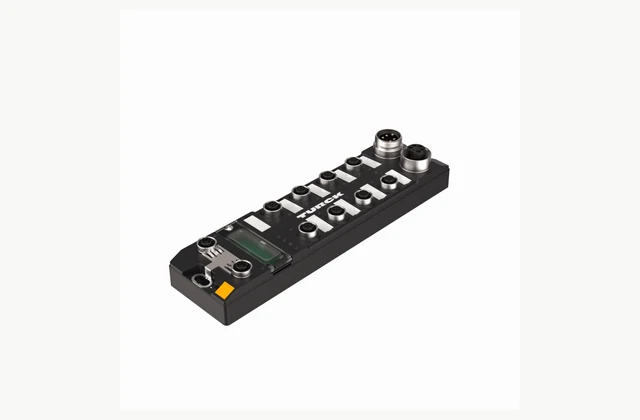
Connect intelligent sensors and actuators using an IO-Link master matched to your PLC network, port power and machine environment. Compare device mapping, engineering files, diagnostics and replacement procedures, with clear requirements for cable kits, configuration services and OEM or ODM integration.
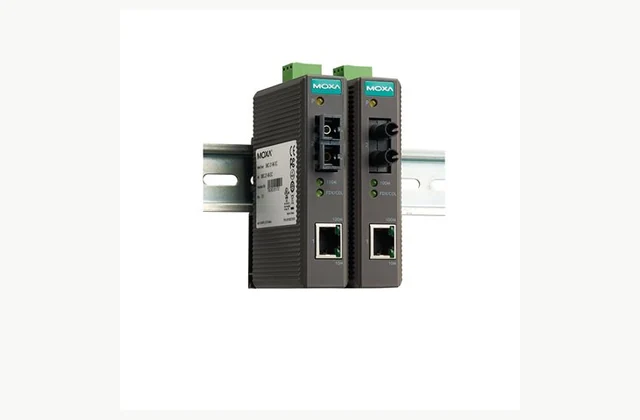
Connect copper Ethernet equipment to an optical fiber link where distance, electrical isolation or installation conditions require a media converter. Compare configuration, interfaces and acceptance evidence before requesting an application-specific quotation or OEM/ODM feasibility review.
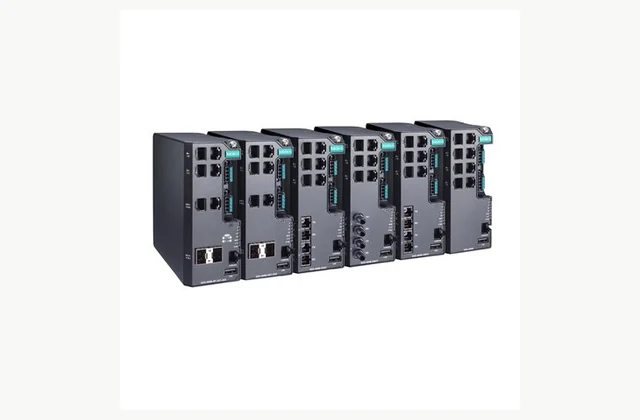
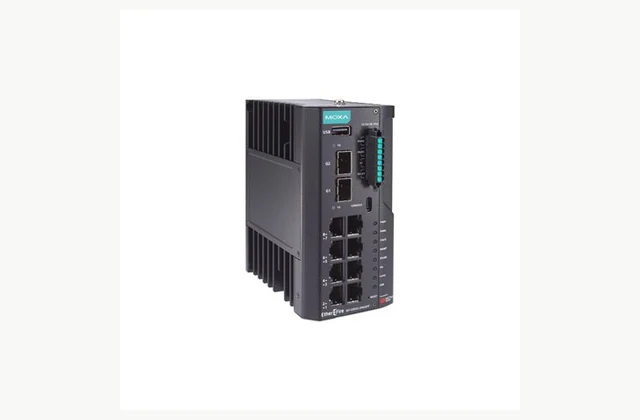
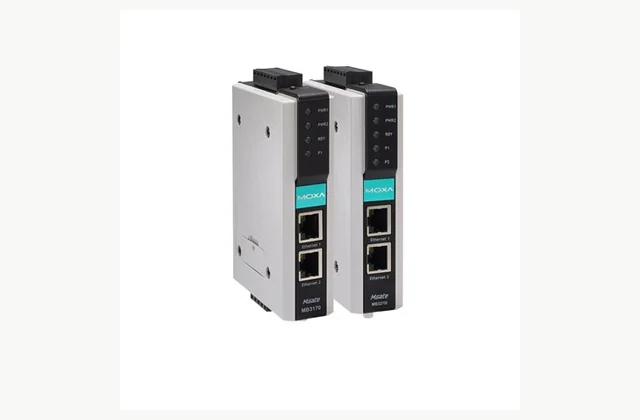
Connect industrial network segments with the port mix, management functions and environmental suitability required by the plant architecture. Compare configuration, interfaces and acceptance evidence before requesting an application-specific quotation or OEM/ODM feasibility review. Document required network behavior.
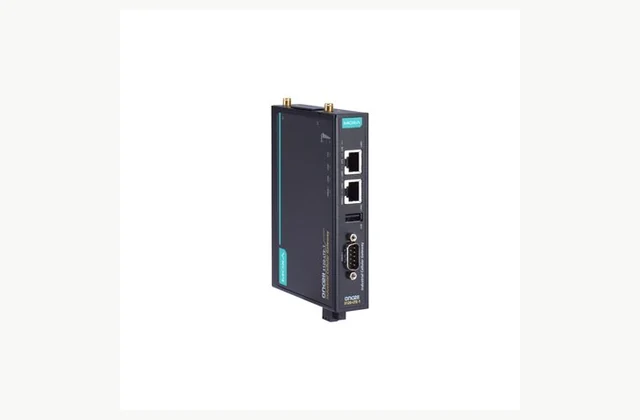
Connect remote industrial assets over a cellular network with a gateway selected for local coverage, field interfaces and controlled remote access. Define the network and application before comparing hardware, then include antennas, data services and commissioning responsibilities in the inquiry.
Acquire engineering measurements with a data acquisition system matched to sensor types, bandwidth, synchronization and recording needs. Define the measurement chain before selecting channels, then compare signal conditioning, software and calibration as part of the complete purchase.
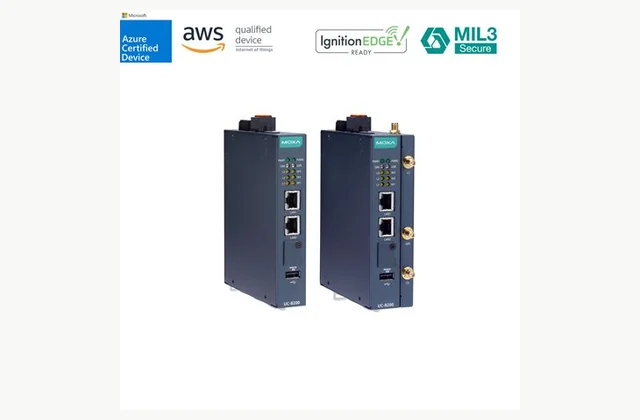
Process field data close to industrial equipment using an edge computer matched to software, device interfaces and lifecycle needs. Compare the complete operating environment and deployment method, including storage, updates and service, rather than selecting by processor name alone.
Connect industrial network segments with a router selected for address management, routing and controlled access. Begin with the network diagram and communication flows, then compare the exact interfaces, software functions and recovery requirements for the proposed installation.
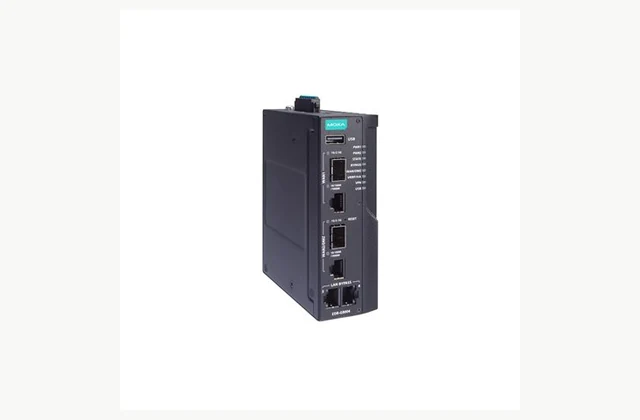
Protect defined industrial communication boundaries with a security appliance selected for the network, protocols and operational constraints. Evaluate inspection, policy management and availability as part of an engineered security design, with clear update and incident responsibilities after commissioning.
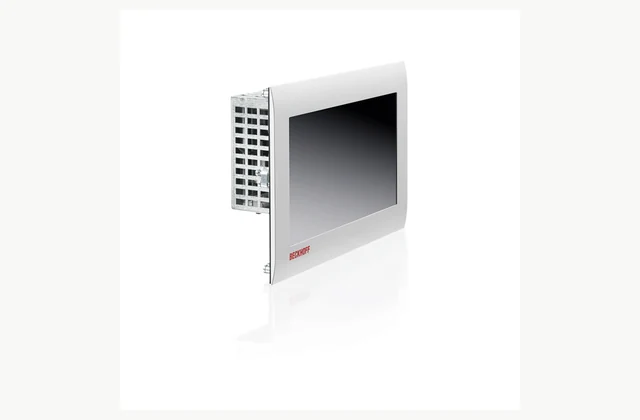
Combine an operator display and computing platform with a panel PC selected for software, mounting and the actual machine environment. Compare touch operation, connections, power and recovery requirements so the delivered interface remains usable and maintainable throughout the equipment lifecycle.
Connect equipment using different industrial communication protocols with a gateway chosen for exact protocol roles, data mapping and application behavior. Define the devices and required exchanges before comparing ports, then validate the proposed configuration with representative equipment.
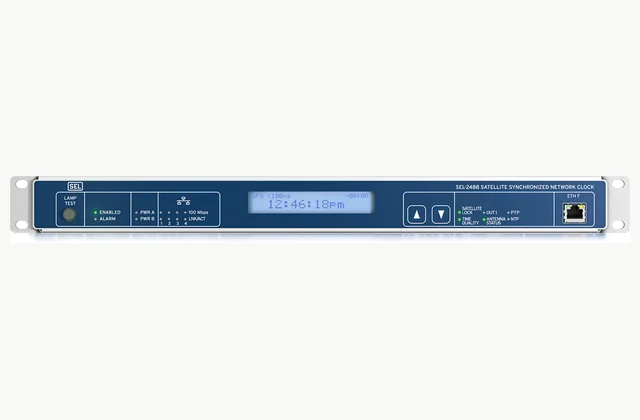
Distribute time to industrial equipment with a clock selected for the required reference sources, output protocols and timing performance. Compare the complete antenna and network arrangement, holdover behavior and monitoring so timestamp requirements become a verifiable installation scope.
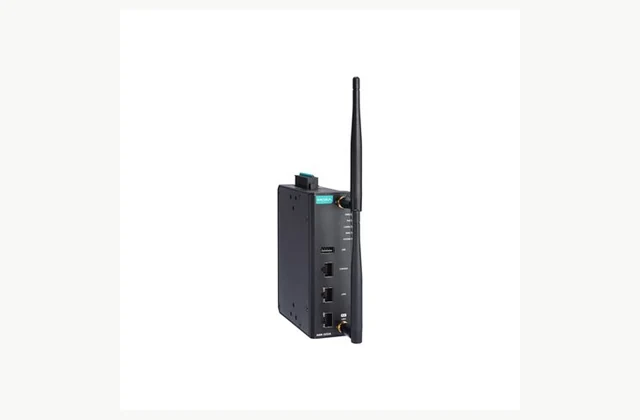
Build industrial Wi-Fi using an access point, bridge or client selected for the radio environment, mobile devices and network policy. Compare coverage and roaming through an installation survey and representative tests, with antennas and destination variants included in the equipment scope.
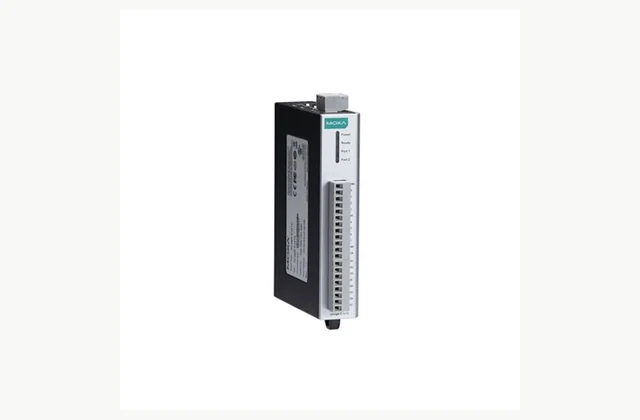
Connect distributed field signals to a controller or supervisory system with remote I/O selected for signal types, network protocols and failure behavior. Build a channel schedule first, then compare wiring, power and configuration as a complete cabinet and application interface.
Connect serial equipment to an Ethernet network with a device server selected for electrical interfaces, application mode and host support. Compare transparent transport, virtual ports and security requirements separately from protocol conversion, then test timing and recovery with the actual legacy device.
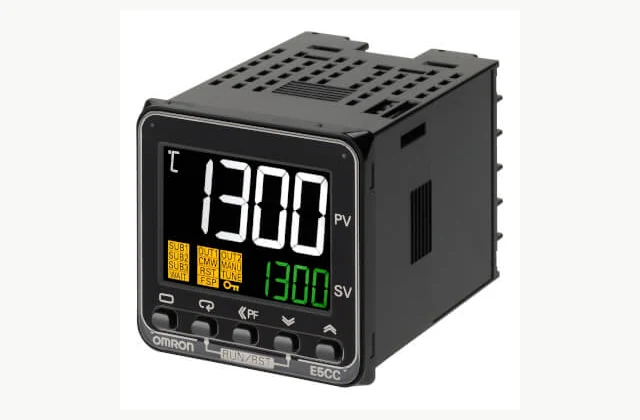
Control a thermal process with a controller selected for the sensor, output interface and application dynamics. Compare input compatibility, control functions and alarm requirements, then define panel installation and verification without treating the controller as the complete heater or protective system.
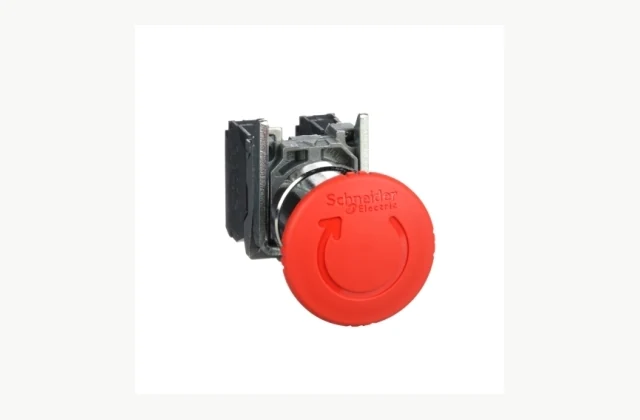
Specify an emergency stop device as part of the machine’s protective control design, with the actuator, contacts and installation matched to the required function. Compare the exact assembly and documentation, then have the responsible engineer validate its behavior in the completed machine.
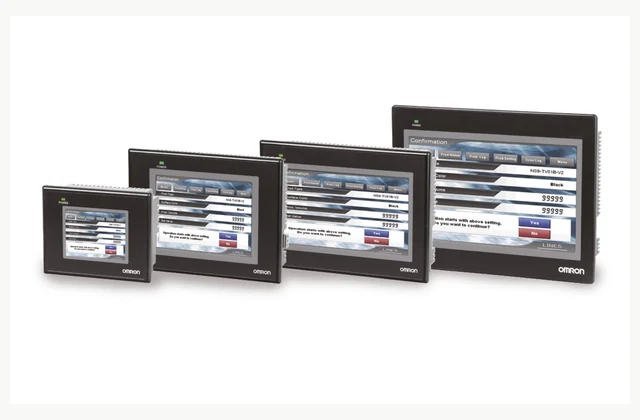
Select an HMI panel from operator tasks, controller communications and the installation environment. Define screens, alarms, recipes and backup responsibilities with the exact runtime and hardware variant, then prove the complete operator workflow on the intended machine.
Specify an industrial foot switch from the intended actuation, electrical circuit and operator working position. Confirm contact behavior, pedal protection and environmental exposure. An ordinary foot-operated control must be distinguished from a safety-related foot switch selected through a machine risk assessment.
Select an industrial timer or counter from the signal, operating mode and controlled load. Specify input compatibility, reset behavior, supply and output arrangement for the exact variant, then verify the real sequence rather than choose solely by the display and panel size.
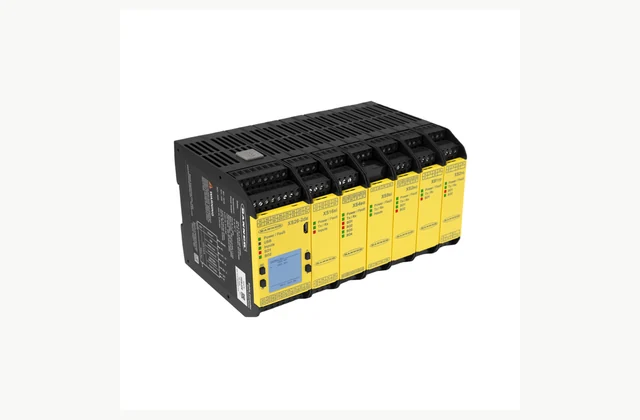
Choose a safety controller from a documented machine risk assessment and a defined list of safety functions. Map inputs, logic, outputs and diagnostics with qualified integration responsibility, then validate the implemented system and its controlled configuration before production use.
Specify a safety door interlock from the guard arrangement, hazard run-down and required safety function. Distinguish guard monitoring from guard locking, verify mounting and actuator alignment, and validate the complete circuit with qualified responsibility for the machine risk assessment.
Select a safety laser scanner from the protected area's geometry, machine stopping behavior and defined safety function. Plan protective fields, mounting, interfaces and environmental limits with a qualified integrator, then validate the installed detection and stopping system using the actual application.
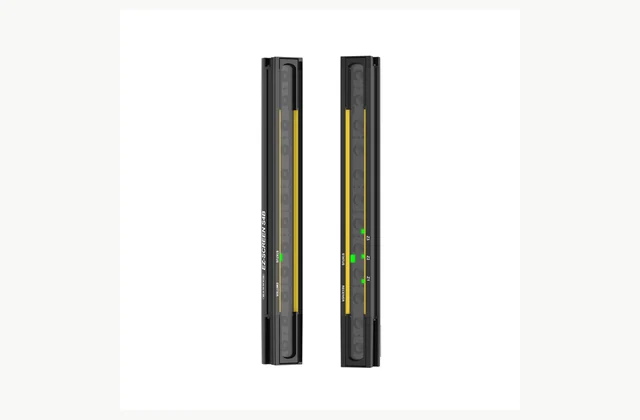
Specify a safety light curtain from the access hazard, required detection capability and complete machine stopping time. Match protected height, placement, interfaces and restart logic through a qualified risk assessment, then validate the installed protective system using the prescribed test procedure.
Select a safety relay for the defined safety function, input device and final switching elements. Confirm contact behavior, reset and external monitoring with the machine risk assessment, then validate the complete circuit. A relay component rating alone does not establish machine-level safety performance.
Share the application, required output, destination, utilities, quantities and planned timing. For OEM / ODM projects, include the branding, configuration or engineering changes, sample approval and acceptance requirements.
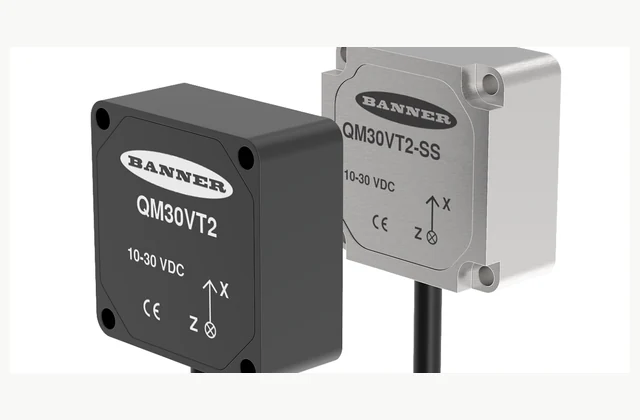
A comparable vibration condition sensor quotation starts with machine and failure mode, mounting point, operating speed range. Record the required result, site interfaces and acceptance evidence in one revision-controlled RFQ. IndustryApex engineers use these inputs to define the equipment, integration and OEM/ODM scope for your…
A comparable ultrasonic distance sensor quotation starts with target size and angle, distance and blind zone, air and vapor conditions. Record the required result, site interfaces and acceptance evidence in one revision-controlled RFQ. IndustryApex engineers use these inputs to define the equipment, integration and OEM/ODM…
A comparable rotary encoder quotation starts with speed and acceleration, position resolution, startup reference. Record the required result, site interfaces and acceptance evidence in one revision-controlled RFQ. IndustryApex engineers use these inputs to define the equipment, integration and OEM/ODM scope for your project.